
Home / Account help
Hoobuy account and purchase-payment help
Use the account’s own sign-in, order record and support options to resolve access or payment problems.
Sign in through Hoobuy
Open Hoobuy and use the login control there. Check that you are using the same sign-in method as when you created the account.
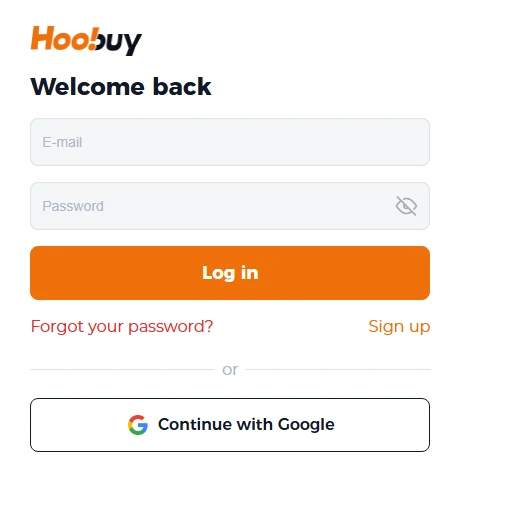
For a missing reset message, check the address entered and your spam folder. Avoid repeated password guesses; use the service’s recovery process if you still cannot access the account.
Payment went through, but the order looks unpaid
Check the payment status with the payment provider and the balance or order record in Hoobuy. Note whether the transaction is pending, completed, failed or reversed.
Contact account support with the relevant transaction and order references if the records disagree. Ask it to confirm whether the payment has been credited before paying the same order again.
A purchase needs more information or a price adjustment
Read the order message and compare it with the exact variant you selected. A seller may change the price, run out of the chosen option or require a quantity correction.
Approve a revised total only after you understand the item and charge. If you do not want the change, ask about cancelling that item and where the refund will go.
Refunds and unused balance
A seller refund, a refund to your agent balance and a withdrawal to your payment method are separate steps. Check which stage applies to your request, what fees may remain and what information support needs.
Keep the transaction reference until the money reaches the expected destination. Do not use a promised coupon or a screenshot of another person’s refund as a timetable for your own case.
Find the order-specific support thread
Start with the order or parcel inside your Hoobuy account. State what happened, when it happened and what action you need. Keep payment credentials and passwords out of ordinary messages.